



Teddyslot App: Mobile Casino Gaming
The Teddyslot app puts our online casino on your phone, so you can open slots or join live games in just a few taps. Users can download it directly from our website for Android and iOS. Once installed, the app gives you access to all the features available at Teddyslot Casino, including payments and promotions.



Benefits and Features of the Teddyslot App
You can use our mobile casino anywhere you have a stable internet connection, so there is no need to stay at home or wait until you are back at your desktop. From your phone, you can open Teddy Slot Casino, jump into games, and manage the key parts of your account. That makes it easier to return to the platform when you want to play or check your balance.
Our app runs as a progressive web application (PWA), which means you can install it directly from our website and keep it on your device like regular mobile software. Once it is added to your home screen, you can open Teddyslot in a few taps instead of going through a browser each time.
Here are some of the practical advantages of using the app:
- The software takes up little space on your phone because it uses only cached data.
- Move through the Teddyslot Casino platform more easily with tap-based navigation.
- Reach games and features faster for short sessions.
- Get notifications about promotions, tournaments, or account alerts.
Mobile Application for iOS
Our app is available for iPhone and iPad users who want full access to Teddy Slot Casino on their mobile devices. On iOS, you can play games, make payments, activate promotions, contact support via live chat, and complete the verification process from your phone instead of switching back to a desktop session.
If you already use your phone for playing games, shopping, and everyday tasks, it also makes sense to keep Teddyslot Casino there. The app gives you a quicker route back to the platform, while the same security standards still apply when you log in or manage your account.
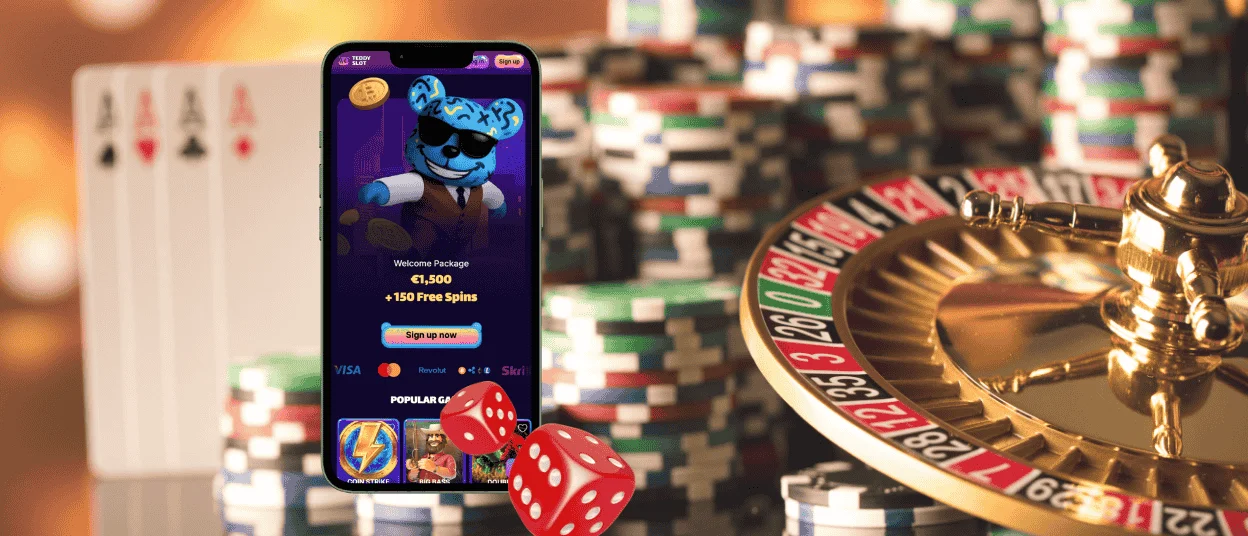
Teddyslot App for Android
If you have an Android phone, you can also use the full version of our casino through the mobile software. It is a progressive web application, so it doesn’t take up as much storage space as many native apps, which is useful on phones and tablets, where there is not much free memory. You can still get the full platform on Android, including games and promotions.
That makes the app a practical option for players who want the speed of mobile access without adding heavy software to their device. You can open Teddy Slot faster, return to online slots and live games with fewer steps, and reach the support team from your phone if a question comes up. Access through the app also benefits from strong protection measures such as TLS 1.3, 256-bit AES encryption, and transaction alerts, so you can handle account activity with the same level of security you expect from Teddyslot Casino.
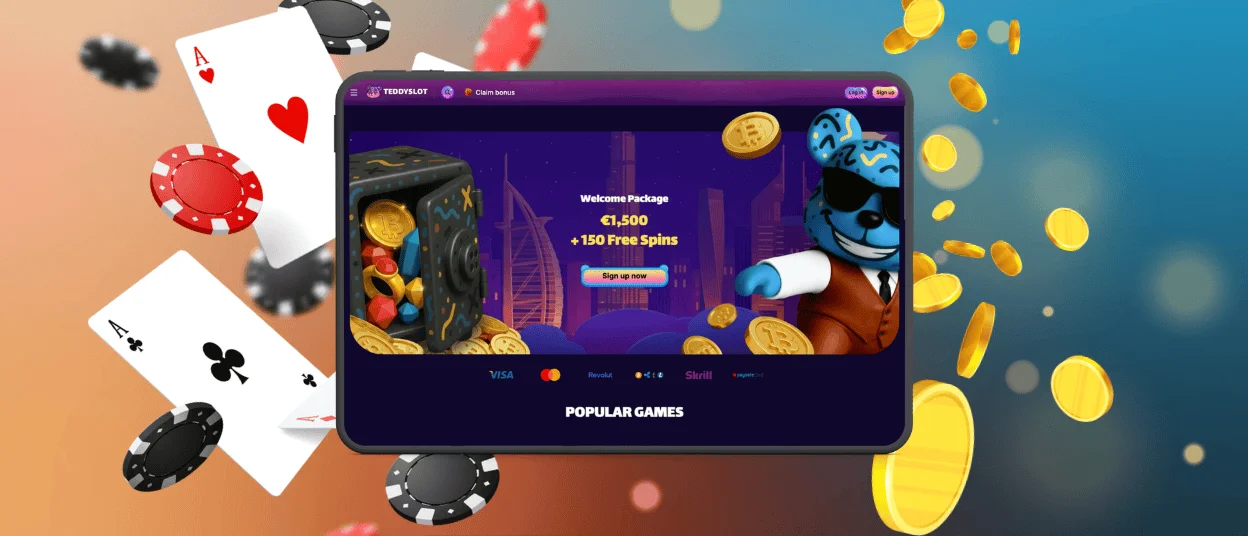
Play Teddy Slot Casino on Mac or Windows
Our app is not limited to phones and tablets. If you prefer to play on a laptop or PC, you can also keep Teddyslot Casino on your Mac or Windows device and open it like separate software instead of starting with a browser tab. That gives regular players a quicker way back to the online casino, with the same games available on desktop.
For Mac and Windows users, the main benefit is convenience with fewer distractions. Launching Teddyslot from your desktop takes less time than opening a browser and finding the site first. It also gives you a more focused gaming experience without mixing play with your usual browsing.
That setup also suits players who spend long periods at a computer and prefer a more traditional screen size for live games or any other titles. The same protection standards still apply, so you do not lose any account or payment security by choosing the desktop version of the app.
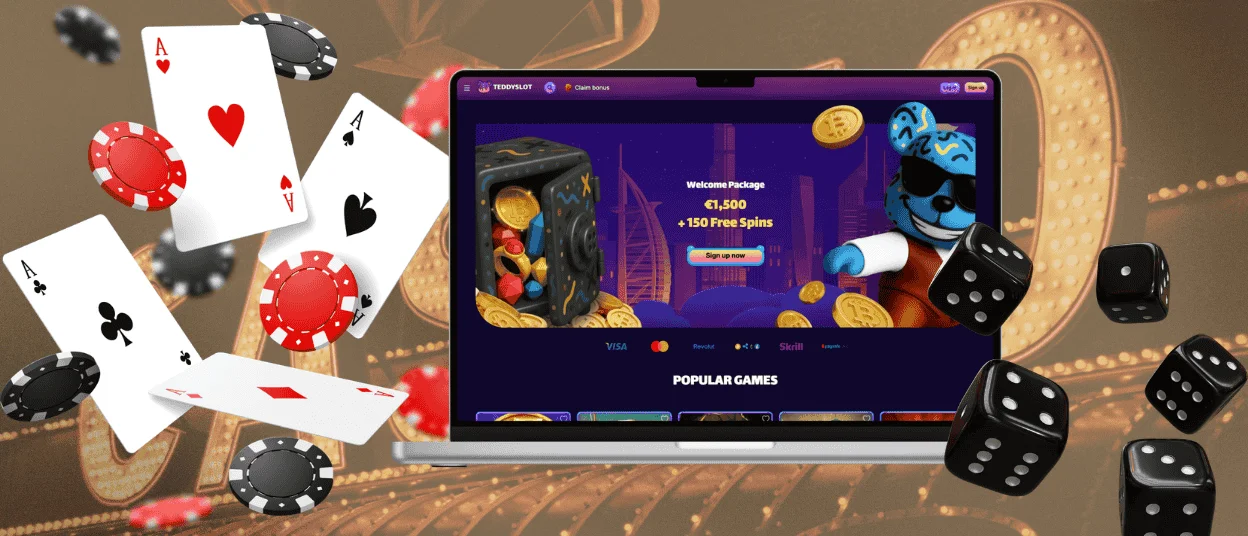
How to Install the Teddyslot App on Any Device
Installing the Teddy Slot app is more like adding a fast-access version of our platform than downloading heavy software. On any device, the process starts on our official website in your browser. Once you add the shortcut, our casino platform stays within easy reach on your home screen or desktop.
| Platform | Starting Point | Installation Path | Where You Open It Later |
| Android | Chrome on your phone or tablet. | Open the Teddyslot Casino website, tap the three-dot menu in the address bar, choose “Add to home screen,” and then confirm the shortcut. | Use the home screen icon after setup. |
| iOS | Safari on iPhone or iPad. | Load the casino website, tap “Share,” scroll to “Add to Home Screen,” then tap “Add” to confirm. | Launch it from the icon saved to your home screen. |
| Mac / Windows | Chrome (or any other browser) on your computer. | Go to our website, then either click the install icon in the address bar or open the Chrome menu and choose “Install page as app,” then follow the on-screen prompt. | Start the app from the desktop shortcut or launcher once installation is complete. |
FAQ
Can I Log In to the Mobile Software Using Biometric Authentication?
In our app, you can use biometric login options already available on your phone or tablet, such as Face ID or fingerprint login. That means you can open Teddyslot Casino without entering your personal details each time.
Are My Deposits Secure When Using the Mobile App?
Payments made through the Teddyslot app use the same security standards as our desktop casino. Mobile transactions are protected by TLS 1.3 and 256-bit AES encryption. You can also use alerts to monitor your deposits and withdrawals.
How Can I Update the App?
You do not need to install updates manually when using our PWA. When we improve the platform and add new features or fresh games, your version of the Teddyslot app updates automatically. In most cases, the latest release is ready the next time you open it.
Are Bonuses and Tournaments Available on Mobile?
All the promotions available at Teddyslot Casino can also be used through the app or mobile browser. That includes the welcome bonus, cashback, the highroller bonus, reload offers, and tournaments such as Rookie Rumble, along with other platform activities available on mobile.


